
Your iPhone Could Have A Handy Feature That Makes Translating Easier While Traveling

There's nothing more embarrassing than misinterpreting something due to a language barrier or, worse, because you just don't understand the language at all. Take it from me — I'm an American who moved to Barcelona, and neither Spanish nor Catalan is my first language. However, thanks to Apple, your iPhone can be a bridge to easily understanding people overseas. Like many applications that assist your travels, such as a currency converter that works offline, Apple's Translate app is a saving grace when you need it the most — and it can be instantaneous.
The Translate app not only has text translation, but it's also voice-compatible. If you're having a conversation in real time with someone speaking another language, there's no need to take an awkward pause to figure out what they're saying. All you have to do is turn on the app, let them speak into your phone, and it translates on the spot. If you have an iPhone 15 Pro or later model, you can streamline its use with the handy Action button on the left side of the device, above the volume. Go to your settings, hit the "Action" tab, and swipe until you see the Translate app. Then, when you're looking at your home screen, just hold down the action button to activate the app.
According to a study commissioned by language learning site Preply, one-third of Americans don't travel internationally due to language barriers. Whether you're a tourist in Europe, Asia, or South America, communication is inevitable, but it doesn't have to be difficult. Apple is giving Americans one less reason to avoid booking that plane ticket, grabbing that passport, and seeing the world.
The public's experience with Translate
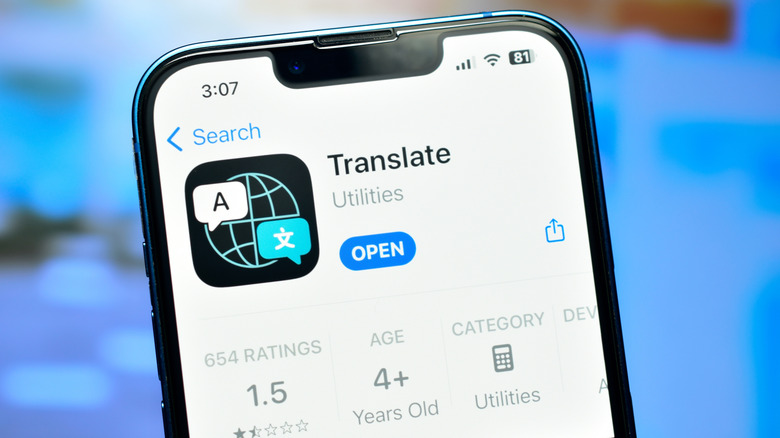
By allowing you to manually type sentences into a box or speak into your phone, translator apps act as a missing puzzle piece that allows you to converse with people you otherwise couldn't communicate with. Apple's Translate even helps decode printed media, like road signs, store labels, and menus. Depending on your location, the app can also work offline, so you won't need to purchase a pesky eSim for data — and if you have the iPhone Air, you already have eSim support built-in. No matter where you are, just press the handy Action button and start chatting away instantly.
Of course, technology applications aren't perfect, so you might run into some issues along the way. Consumers currently rate the Translate app 2.3 stars through over 9,000 reviews on the App store. Some say that it has helped them communicate with family, while others have used it during medical situations. However, it apparently doesn't pick up on different dialects, so it may be challenging as you travel through various regions. A Medium blogger said that the app is just broken, saying that it "cuts off after about 4–5 seconds of speech and loses the rest."
As an expat who has encountered many languages, my experience is that translator apps, to some degree, aren't fully accurate. Language is fluid; dialects vary from country-to-country — better yet, region-to-region — and slang sometimes prevents accurate translation. The best you can do is try, see if it works for you, and don't let a language barrier hold you back from traveling to new places.
Want more travel tech tips? Learn about the secret steps for creating a sanity-saving "Vacation Mode" on your phone.