
Left Your Phone At TSA Security? Here's What You Need To Do Next

Few things manage to throttle the thrill of a trip faster than the dreaded airport security line. The insufferable queues, the hauling of bags onto the conveyor belt, and the scramble to get them back can leave air travelers frazzled, stressed, and careless. That can lead to an unwelcome realization just before boarding: you've left your phone at a Transportation Security Administration (TSA) checkpoint.
For a society perpetually chained to its tech, it's ironic that phones, tablets, and laptops top the list of items left behind by travelers at airports, according to Airports Lost and Found. During a TSA security check, a phone can get buried under a jacket, slide out of a bin, or get swept up with someone else's things. And no, you're not alone: TSA estimates that between 90,000 and 100,000 items are left at checkpoints each month.
What's the best course of action when a frantic search through your pockets, jacket, and bags comes up empty? Start by retracing your steps to figure out where you probably left your phone, whether that's at the checkpoint, at the gate, or on the plane. That will help you determine who to contact next. And if you're fairly sure you lost your phone at TSA security, the agency's lost and found office will be your point of contact. "Many travelers don't even realize we have a lost and found program," TSA spokesperson Lisa Farbstein told The Washington Post. Circle back to the checkpoint to ask an officer for help if you have time before boarding. Already boarded? You can still reach out: TSA keeps forgotten items for at least 30 days, leaving you enough time to recover your phone after your trip — or at least to arrange for someone to pick it up on your behalf.
How to get your phone back from TSA
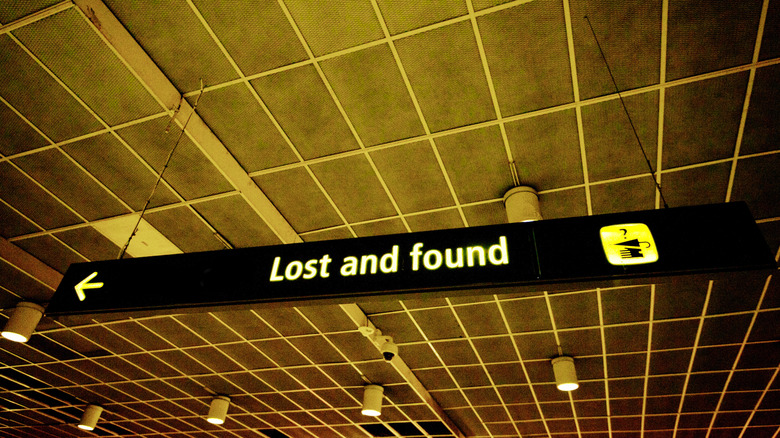
When it comes to items left behind at checkpoints, TSA has a straightforward process for reuniting passengers with their forgotten belongings. The first step is to reach out as soon as you realize something's missing. If you're lucky enough to be aboard an airline offering free Wi-Fi, you don't even have to wait until you land to send a message through TSA's dedicated lost and found page. Otherwise, do it as soon as you land. Farbstein says that depending on your airport, you'll get either a phone number to contact or an online form to fill out.
Now let's hope your memory serves you better this time around: TSA asks travelers to provide a detailed description of their lost items. That means noting details like your phone's make and model, color, lock screen, case, or wallpaper (according to TSA's official site). Throw in your airline name, flight number, airport terminal, and the approximate time you passed through security, and all that's left to do is wait for a reply.
Don't cool your heels on this one. Once the 30-day holding period is up, unclaimed items are either destroyed, handed to a state surplus agency, or sold. Money from those sales goes to the U.S. Treasury and into "a general fund used to pay towards the U.S. national debt," according to TSA. To protect owners' data, TSA removes and destroys the components that store data, or destroys the device entirely if those parts can't be removed. TSA's lost and found is definitely an underrated service most flyers never use, but the best-case scenario is never needing it at all — so keep a close eye on your phone at all times.